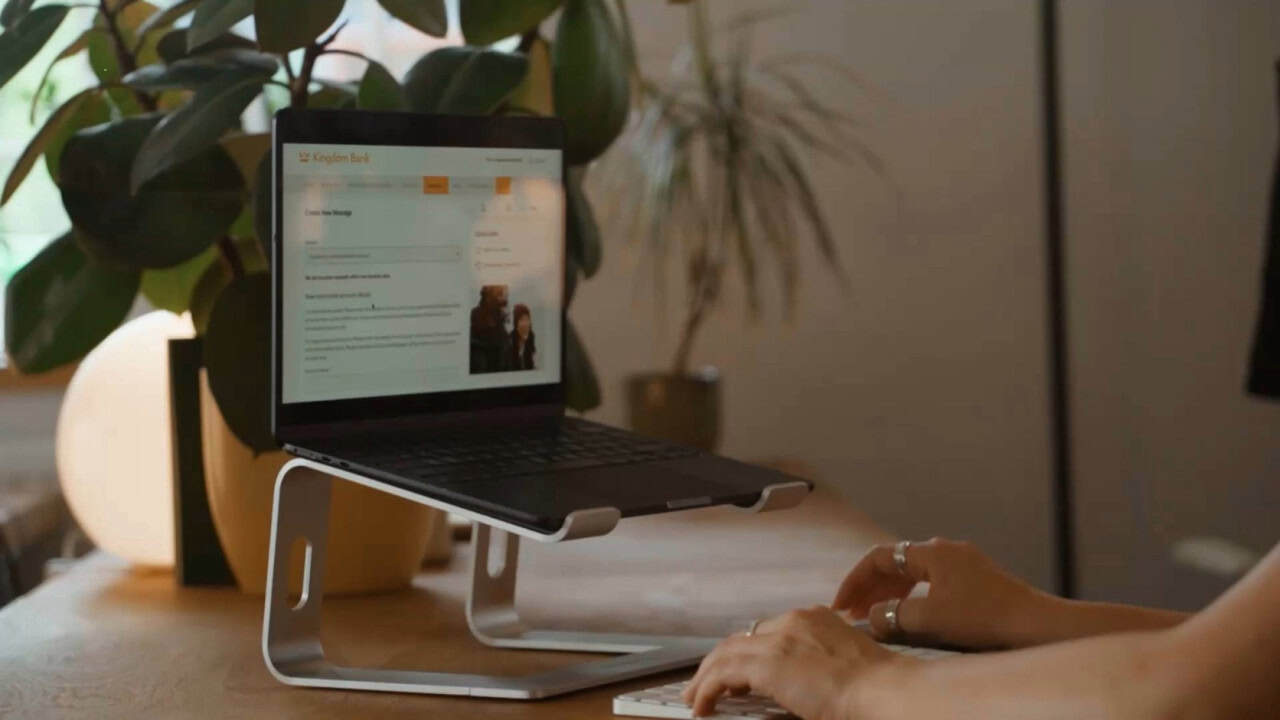
Updating your details with Online Banking
You can see your details in ‘My Profile’ on the homepage.
- To update your personal details, click on ‘Messages’ in the main menu.
- Click ‘Create Message’
- Select the details you want to update in the menu that appears
- Fill out the required form fields and send the secure message.
- Our team will then be in touch if there is any further information needed.