Managing your mortgage
If you are an existing Kingdom Bank mortgage customer, you can use your online banking login to view key details about your mortgage like your balance, interest rate, next payment date, next payment amount, start/end date, and remaining term.
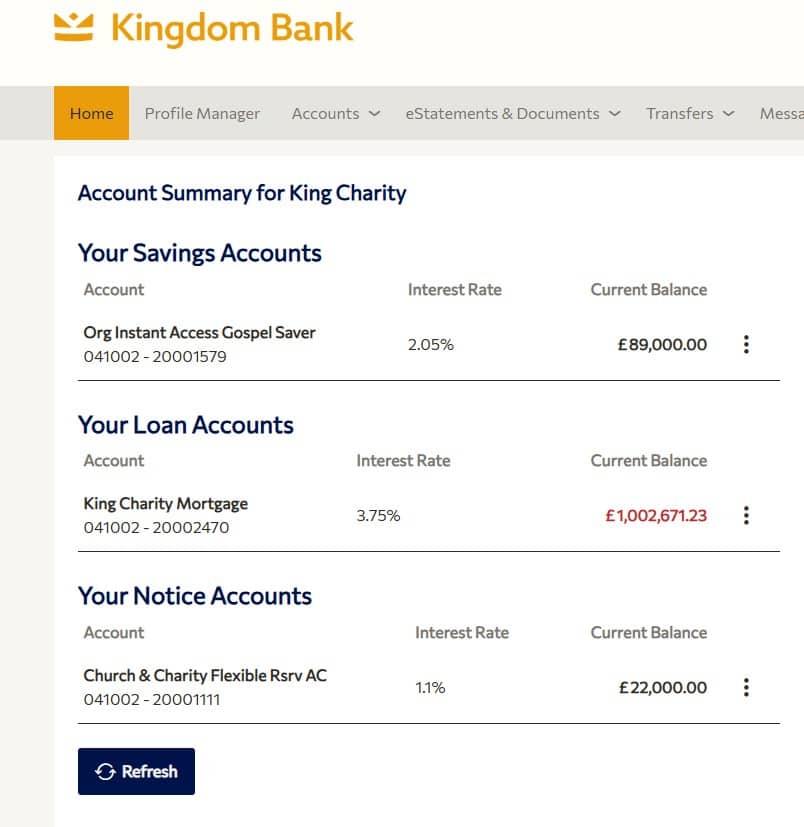
When you log in to Online or Mobile Banking, you will see ‘Your Loan Accounts’. Here you can see your account number, sort code, interest rate, and outstanding loan balance.
To view information about your next payment date, payment amount, and start/end date, click the three dots next to your Loan Account name.
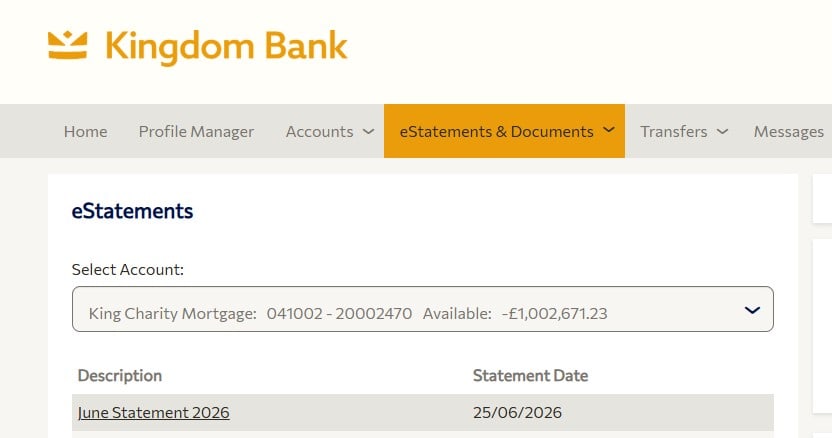
To view a statement for your account, click ‘eStatements’ in the main menu.
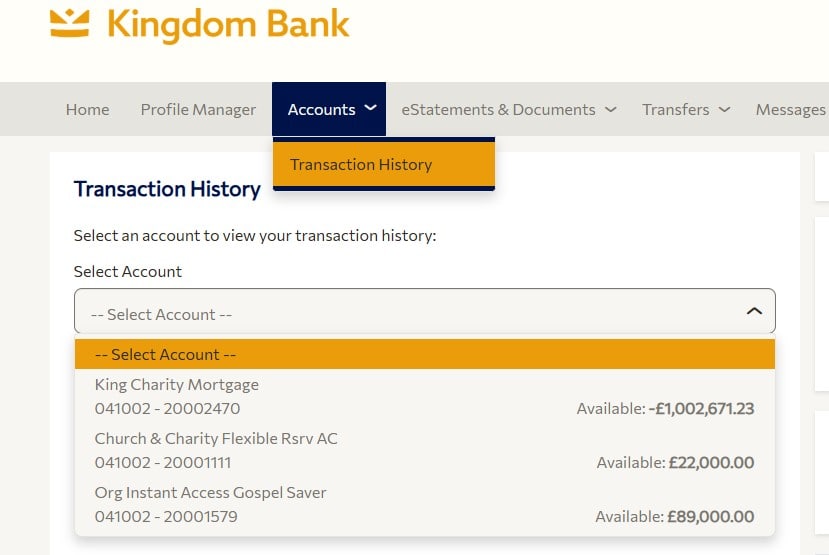
You can also view your transaction history by clicking ‘Accounts’ in the main menu, and then selecting ‘Transaction History’.
For help logging into Online Banking, visit our Help Centre article.